

Sure, laptops these days are super versatile, and we often find ourselves wanting to connect all sorts of gadgets to them. One common query that pops up is whether a braided Lightning USB cable can be used with a laptop's USB port. As a supplier of braided Lightning USB cables, I've got some insights to share on this topic.
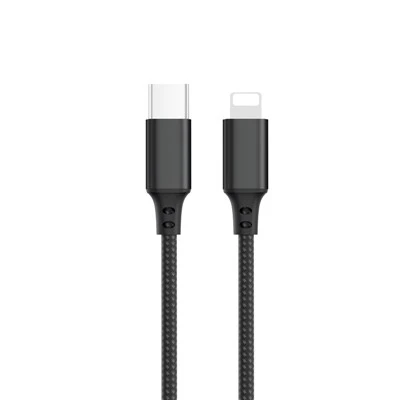
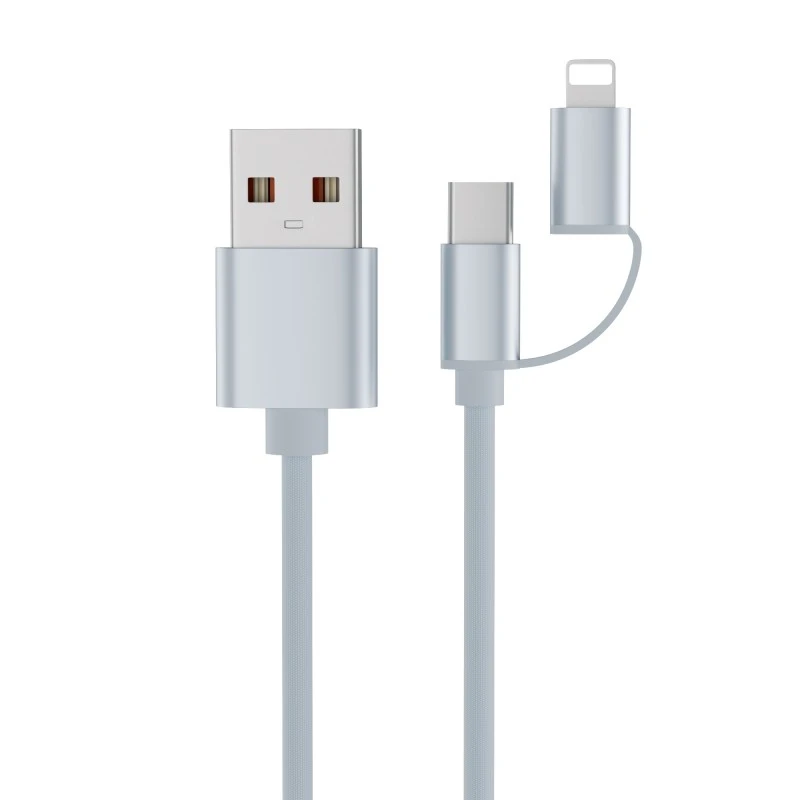
First thing's first, let's talk about what a braided Lightning USB cable is. These cables are top - notch when it comes to durability. The braided exterior gives them extra protection against wear and tear compared to regular cables. They're mainly designed to connect Apple devices, like iPhones and iPads, to chargers or other compatible devices. And they usually have a Lightning connector on one end (the small, reversible connector for Apple products) and a USB connector on the other.
Now, can you use it with a laptop's USB port? Well, it depends on a few things.
Compatibility of the Laptop's USB Port
Most laptops come with different types of USB ports. The common ones are USB - A and USB - C.
If your laptop has a USB - A port, chances are you're in luck. A braided Lightning USB cable with a USB - A connector can be easily plugged into a laptop's USB - A port. Once you do that, it can serve two main functions: charging and data transfer.
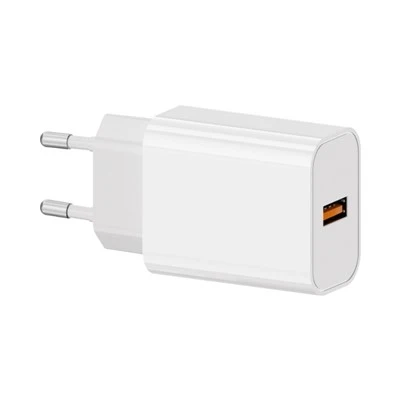
For charging, if your iPhone or iPad is running low on battery, you can connect it to the laptop using the cable. The laptop will supply power to the device, just like a regular charger. The charging speed might not be as fast as using a wall charger, especially if your laptop has a low - power USB port. But it'll definitely keep your device going until you can find a proper charger.
When it comes to data transfer, you can sync your photos, music, contacts, and other files between your Apple device and the laptop. You just need to make sure that your laptop has the necessary software installed, like iTunes for Windows or the Finder app for Mac. Once you connect the cable, the software will detect the device, and you can start transferring data right away.
On the other hand, if your laptop only has USB - C ports, things get a bit more complicated. A standard braided Lightning USB cable with a USB - A connector won't fit directly into a USB - C port. But don't worry, there's a fix. You can use an adapter. There are plenty of Usb A To Usb C Cable Data available in the market that can convert a USB - A connection to a USB - C one. With this adapter, you can still use your braided Lightning cable to connect your Apple device to a USB - C laptop.
Power Output of the Laptop's USB Port
Another important factor is the power output of the laptop's USB port. Different laptops have different power capabilities for their USB ports. Some high - end laptops might have USB ports that can deliver a relatively high amount of power, which means faster charging for your Apple device. However, many standard laptops have USB ports with lower power output.
For example, a typical laptop USB port might output around 0.5A to 1A of current, while a wall charger can output 2A or more. So, if you're in a hurry to charge your device, relying solely on a laptop's USB port might not be the best option. But if you're just looking to keep it topped up gradually, a laptop's USB port can do the job nicely.
Data Transfer Speed
Data transfer speed also depends on the laptop and the cable itself. A good - quality braided Lightning USB cable is designed to support fast data transfer. But if your laptop's USB port is an older version, like USB 2.0, the transfer speed will be limited. USB 2.0 has a maximum data transfer rate of 480 Mbps, while newer USB 3.0 and USB 3.1 ports can offer much higher speeds, up to several gigabits per second.
If you're planning to transfer large files, like high - resolution videos or big photo albums, try to use a laptop with a USB 3.0 or higher port for a quicker transfer.
Other Considerations
There are a few other things to keep in mind when using a braided Lightning USB cable with a laptop. Firstly, make sure the cable is genuine. There are a lot of counterfeit cables out there that might not work properly or could even damage your devices. As a supplier, I always recommend getting Cable Iphone Compatible from a trusted source.
Secondly, sometimes there might be software glitches. If your Apple device isn't being detected by the laptop after connecting the cable, try restarting both the device and the laptop. You can also try using a different USB port on the laptop.
Our Product Range
As a supplier, we offer a wide variety of braided Lightning USB cables. Our Lightning Cable Nylon is a customer favorite. It's not only durable but also has excellent performance in terms of charging and data transfer. We also have Usb Type C To Type C Cable and Type C To Type C Cable 1m for those who need to connect USB - C devices.

If you're a retailer, distributor, or just someone interested in bulk purchasing our high - quality cables, we'd love to hear from you. We can offer competitive pricing and excellent customer service. Whether you need a small quantity for your personal use or a large order for your business, we've got you covered. Reach out to us for a discussion on pricing, options, and how we can meet your specific needs.
References
- Apple Support Documentation
- USB Implementers Forum Standards